Support workers don’t spend their days at a desk. They’re in homes and in the community, moving between participants and often juggling their schedule from their phone between shifts. Until now, checking a roster, capturing time or writing up a note usually meant getting back to a computer. Today, that changes, with the launch of the FlowLogic app for support workers.
FlowLogic Workforce, The Support Worker App, the FlowLogic app built specifically for support workers and frontline staff. It gives your team quick, secure access to their shifts, the people they support and their time capture, anywhere, anytime.
Why we built the FlowLogic app
When we spoke with providers and support workers, one message came through clearly: they wanted a simpler, more user-friendly way to access FlowLogic while on the go.
The frontline is where care happens, and technology should make that work easier, not harder. While the mobile browser version of FlowLogic has always provided access away from the desk, users told us they wanted an experience designed specifically for their phone. Something faster to access, easier to navigate and more intuitive to use throughout the day.
That’s exactly what we’ve built.
The FlowLogic Workforce app delivers the core tools support workers need in a streamlined mobile experience. With secure PIN access replacing repeated logins and two-factor authentication for every session, users can get into the app quickly and find what they need in just a few taps.
Designed with user experience at its core, the app puts essential information and daily tasks at your team’s fingertips, making it easier to stay informed, connected and focused on delivering quality care.
Built to give time back to care
Every decision in the FlowLogic app came back to one question: does this give support workers more time with the people they support? When shift details, participant information and time capture all live in one place, workers stop hunting for information and stop duplicating admin. Notes written in the moment are more accurate than notes reconstructed at the end of a long day, and time captured on the spot means cleaner timesheets and fewer corrections later. The result is less time on paperwork and more time on care.
What your team can do today
This first release brings the core of a support worker’s day into one app:
- PIN code login for fast, secure access, with a full logout option for shared devices.
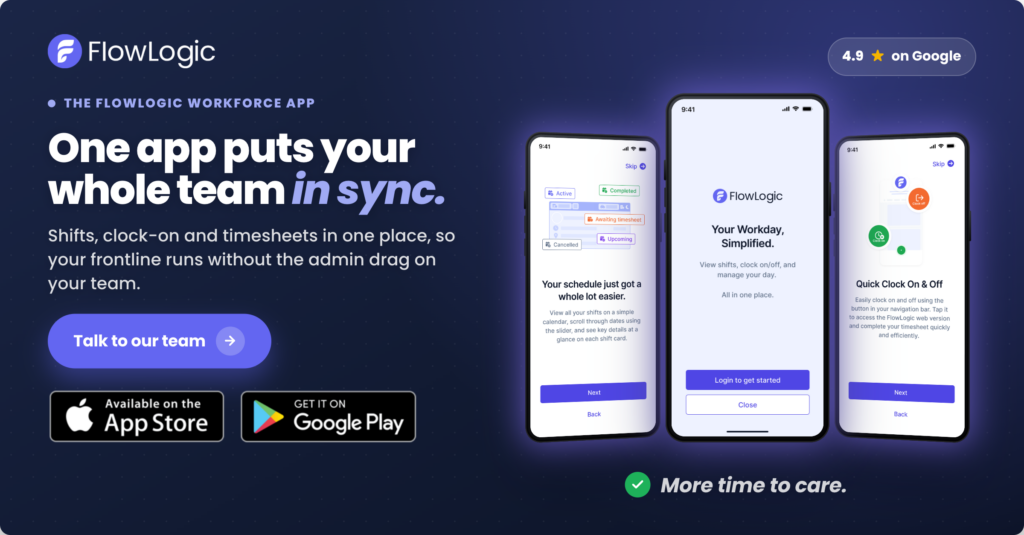
- A calendar view of today’s shifts, the fortnight ahead and the fortnight just gone.
- Full shift details — time, participant, location, co-workers and provider notes, before they arrive.
- Participant and staff profiles, surfaced as the organisation chooses.
- Clock on and off from the phone, flowing through to FlowLogic for timesheets.
- Accept and reject casual shifts, giving casual staff more control over when they work.
- Shift notes, captured in the moment and visible back in FlowLogic.
Because it’s part of FlowLogic, workers can also jump to incident reports, leave requests and timesheets without logging in again.
What it means for providers
For organisations, the value of the FlowLogic app goes beyond convenience. Providers choose FlowLogic because it brings rostering, participant management, timesheets and compliance together in one platform built specifically for disability and community services. The app carries that onto the frontline, so the information your workers rely on is the same accurate, connected information your office is working from. That means cleaner records, stronger compliance, less rekeying between systems, and a simpler, more modern experience that makes onboarding and retaining frontline staff that much easier.
What’s coming next
This is just the start. We’re already building the next set of features for the FlowLogic app, including incident reports you can start and submit from the app, push notifications for new and changed shifts, and shift bidding so staff can see and plan around shifts waiting to be filled. Each one is designed to take more of the day-to-day off the desktop and into the hands of the people doing the work, and, as always, we’re shaping the roadmap around what providers tell us they need most.
Getting started
FlowLogic Workforce is included with FlowLogic and available now. Download it from the App Store or Google Play, log in with your organisation’s FlowLogic details, set up a PIN, and your shifts are there waiting.
FlowLogic Workforce is included with FlowLogic and available now. Download it from the App Store or Google Play, log in with your organisation’s FlowLogic details, set up a PIN, and your shifts are there waiting. Want to see it in your service? Book a demo and we’ll walk you through how Workforce supports your frontline team.