FlowLogic Workforce, The FlowLogic App for Support Workers
A better, faster and more accessible way for support workers to manage their day
The FlowLogic Support Worker App is built for frontline teams. A secure PIN login replaces passwords and 2FA, so support workers get straight to their shifts, tasks and client information and back to delivering care.


Less screen time, more time to care
Support workers are the backbone of every NDIS and aged care organisation, and their best work happens with people, not screens. Every minute spent on the phone is a minute away from the people they support.
The FlowLogic App changes that.
Designed specifically for frontline teams, the app keeps logins and admin to a minimum and makes everyday tasks quick and intuitive. Support workers can check their shift, record what they need and put the phone away.
When your team spends less time on their phones, they spend more time on what matters: the people they support. That’s what we built the FlowLogic App to do.
What the App Will Let Support Workers Do
A dedicated mobile application that brings essential daily tasks into one streamlined, easy-to-navigate view.
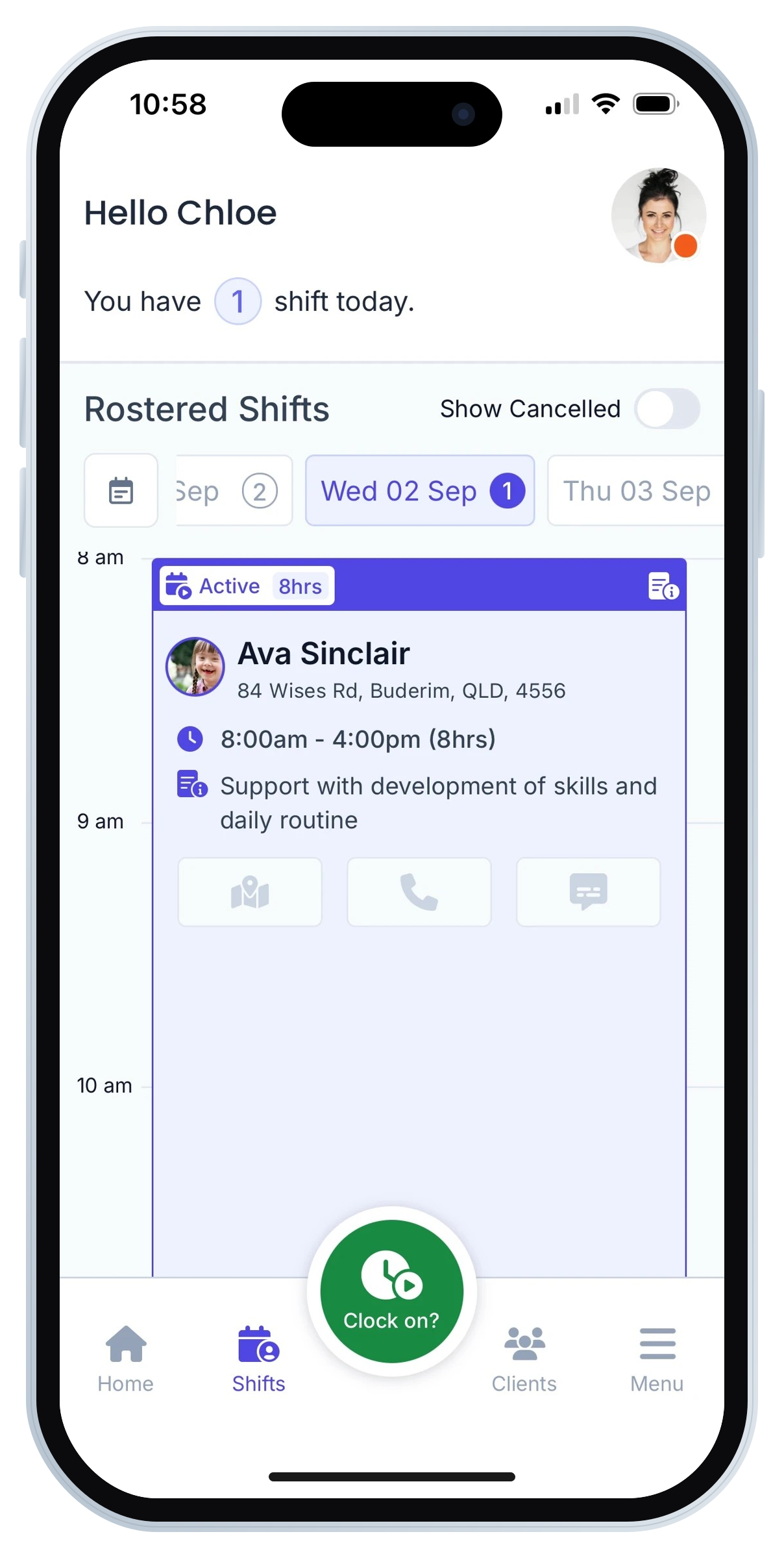
Quick and secure access with PIN login
No more repeat logins or 2FA prompts. Workers log in securely with a personal PIN for fast access.
Designed for everyday support work
Shifts, tasks, client notes and key actions are presented in a clean, mobile-friendly layout optimised for frontline use.
Easy to understand and navigate
Purpose-built for support workers, not a desktop view squeezed onto a phone screen.
Fewer errors and better compliance
Clear, guided workflows reduce mistakes and help maintain accurate, reliable client records.
Better experience for organisations
Simplifies onboarding and training, supports compliance, and helps organisations offer a modern, worker-friendly digital experience.
Visibility of shift location
Offers support workers visibility on the location of their shifts via the app.
Who Will Benefit
Primary users
Support workers across any disability, aged care & community organisation using FlowLogic.
Secondary users
Admin and operations teams, including Service Delivery Managers, Team Leaders and Support Coordinators, who train, supervise and oversee support worker adoption, and may occasionally work in the field or need to clock in/out.

The road ahead
The app already covers secure login, shift access and core daily activities. We’re adding new features regularly to make FlowLogic Workforce even more useful in day-to-day support work.
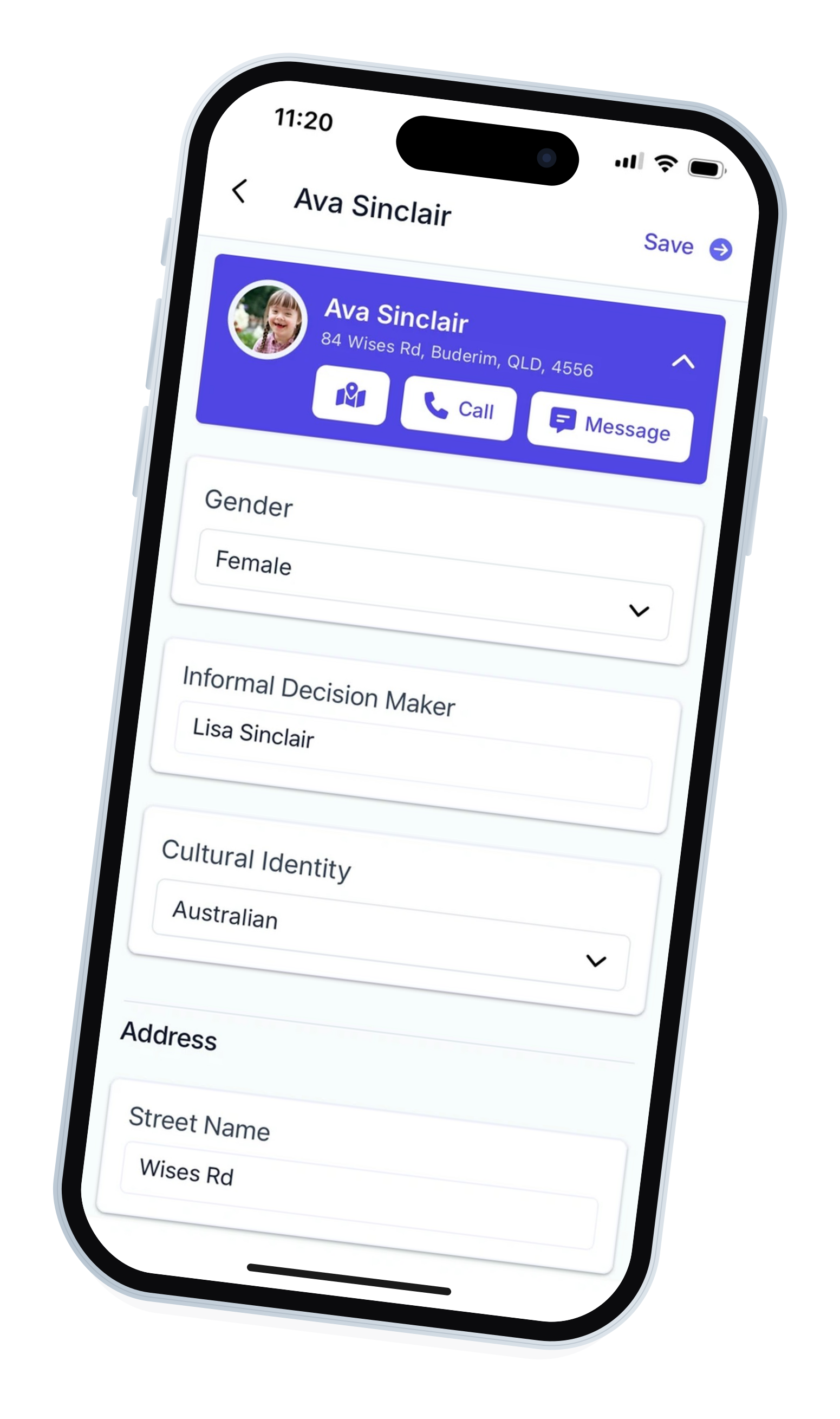
Incident Reports
Create and submit incident reports directly from the app:
- Start a new incident report during or after a shift.
- Capture key details while they’re fresh, including notes and other relevant information.
- Sync reports back to FlowLogic for follow-up and compliance workflows.
Accepting & Rejecting Casual Shifts
Give casual staff more control and flexibility:
- View the offered shifts that are available to you as a casual staff member.
- Accept or reject shifts directly from the app.
Shift Notes
Capture shift notes on the go:
- Add notes for each shift from your phone.
- Record observations, outcomes, and important updates.
- Notes will be viewable in FlowLogic and, where enabled, by relevant team members.
Push Notifications
Stay up to date without constantly checking the app:
- Receive alerts for new shifts, changes to existing shifts, and important updates.
- Notifications for shift reminders and clock-on prompts (where configured).
Shift Bidding & Dashboard
View your day on a page:
- Display upcoming shifts in one view on the dashboard.
- View available shifts that you can bid on.
- Swap shifts with your team in the app, with every request managed centrally.
Timesheets – Create & View
Manage your timesheets from your phone:
- Create timesheet entries based on your shifts and clocking data.
- Review and submit timesheets for approval.
- View the status of submitted timesheets (e.g., pending, approved).
Talk to Our Experts About the New FlowLogic Workforce App
Interested in the new FlowLogic Workforce Support Worker App? Speak with one of our product experts to understand how the app supports your workforce.

Have more questions?
Frequently Asked Questions
Is the app included for all customers?
Yes. The app is available at no additional cost to all FlowLogic customers.
Will support workers still be able to use the mobile web version?
Yes, but the app offers the preferred and recommended experience.
Does this meet NDIS and privacy requirements?
Absolutely. The FlowLogic App is designed to meet all data security, access control, and privacy requirements for NDIS, aged care, and community service environments.